
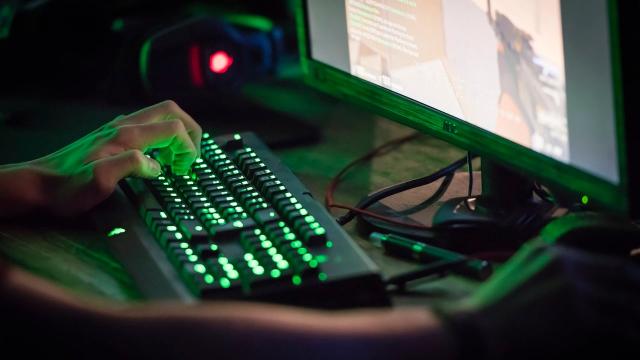
Popular streamer Northernlion recently shared an amusing yet enlightening experience about gaming setup mistakes. He discovered that his high-refresh-rate monitor, which supports 165Hz, had been locked at 60Hz for an extended period. Upon adjusting the settings back to 165Hz while playing Counter-Strike, he experienced a transformative visual upgrade, proclaiming it felt like he had just acquired a PlayStation 7. This story serves as a reminder for gamers to regularly check their display settings and configurations to ensure optimal gameplay experiences. Other common pitfalls include forgetting to enable XMP for RAM overclocking and ensuring the display cable is correctly connected to the graphics card, rather than the motherboard.
What should you check for optimal gaming performance?To achieve optimal gaming performance, always ensure your monitor is set to its highest refresh rate, confirm that XMP is enabled for your RAM, and double-check that your display cable is connected to your graphics card instead of the motherboard.
Northernlion is known in the gaming community for his engaging streams and commentary on various games. His recent revelation about refresh rates highlights a common issue many gamers face, regardless of their experience level. By addressing these setup errors, players can significantly enhance their gaming experience and immerse themselves fully in the visually rich gaming worlds available today.
Jordan Keats
Jordan Keats is a former professional gamer turned journalist, whose competitive background gives them a unique perspective on esports and multiplayer games. Jordan's expertise in strategy and game mechanics is unmatched, offering readers a deeper understing.
Read more articles from Jordan Keats


Comments
It's crazy how even seasoned gamers can overlook basic settings that totally transform performance. Always pays to double-check your rig before diving into a session.
Man, I've totally been there—nothing like realizing you've been playing on training wheels for months. It's wild how a simple settings tweak can feel like a whole new console generation.